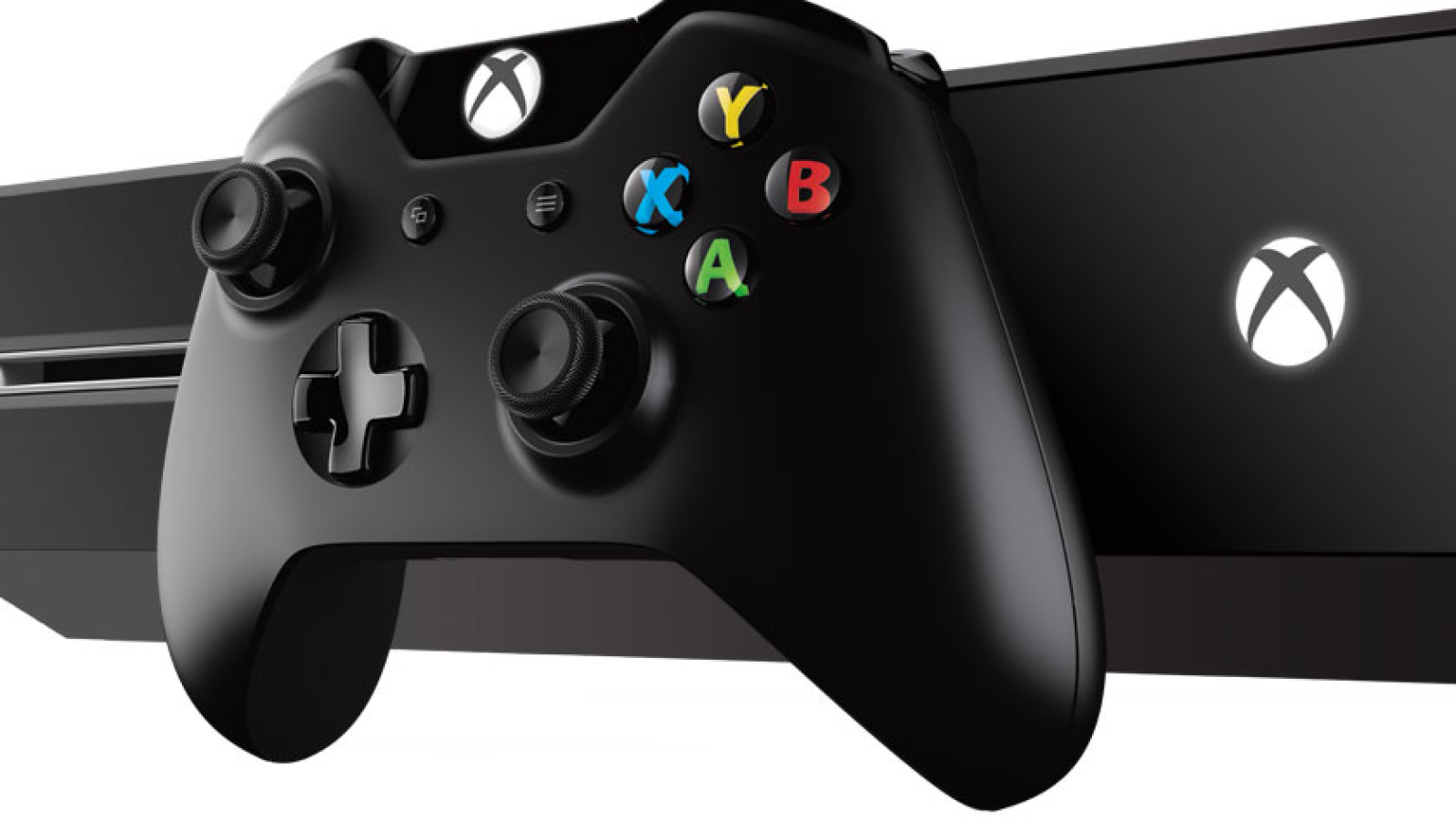
Microsoft har nu postat listan över alla nyheter som finns i augustiuppdateringen till Xbox One-appen. Den mest uppmärksammade nya funktionen är möjligheten att streama spel i 1080p och 60 bilder per sekund från sin konsol till en närliggande PC, men här finns även inslag som snabbare sortering av dina spel och annat lullull. Här är hela listan:
• 1080p/60fps Game Streaming - You can now stream games from your Xbox One to Windows 10 devices in high-res HD quality at 1080p/60fps. The new streaming capability works best for gamers who have home networks with adequate bandwidth. In the Xbox app on Windows 10, go to Settings > Game Streaming and set the video encoding level to Very High, which will then stream games from your Xbox One to your Windows 10 PC at 1080p and 60fps (frames per second).
• Right Click - You can now right-click on one of your friends and select Send Message or Invite to Party to more quickly connect with your friends.
• Notifications - Starting today, you can enable or disable notifications for when you are invited to a party or a multiplayer game via Settings > General > Party & Games Invitations.
• Recently Played - Now you will see an animated display alternately showing you how many friends have played each game along with the four most recent players. The display will then switch to show a second tile with your last played date, Gamerscore and Achievements percentage complete. If you click on the game, it will take you to the Game Hub, where you can see a list of all of your friends who have played the game sorted by most recently played along with their online status.
• Compare Achievements with a Friend - You can now compare your achievement status with one of your friends who has played the game. From a Game Hub page, select Achievements > Compare at the top right above the list of all of the achievements.
• My Games - We updated My Games to support a grid view with a jump list, where your games are now displayed in a grid sorted alphabetically. If you click on a letter, you can collapse the list and then select a specific letter of the alphabet to more quickly find a game. The list of games that are automatically discovered has been updated as well.
• Add Games - The ability to manually add games to your collection that have a link in the Start Menu by selecting My Games > Add a game from your PC has been updated with a help link to help you add games to your collection.