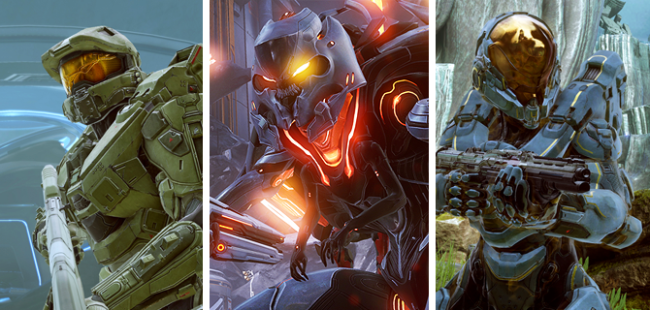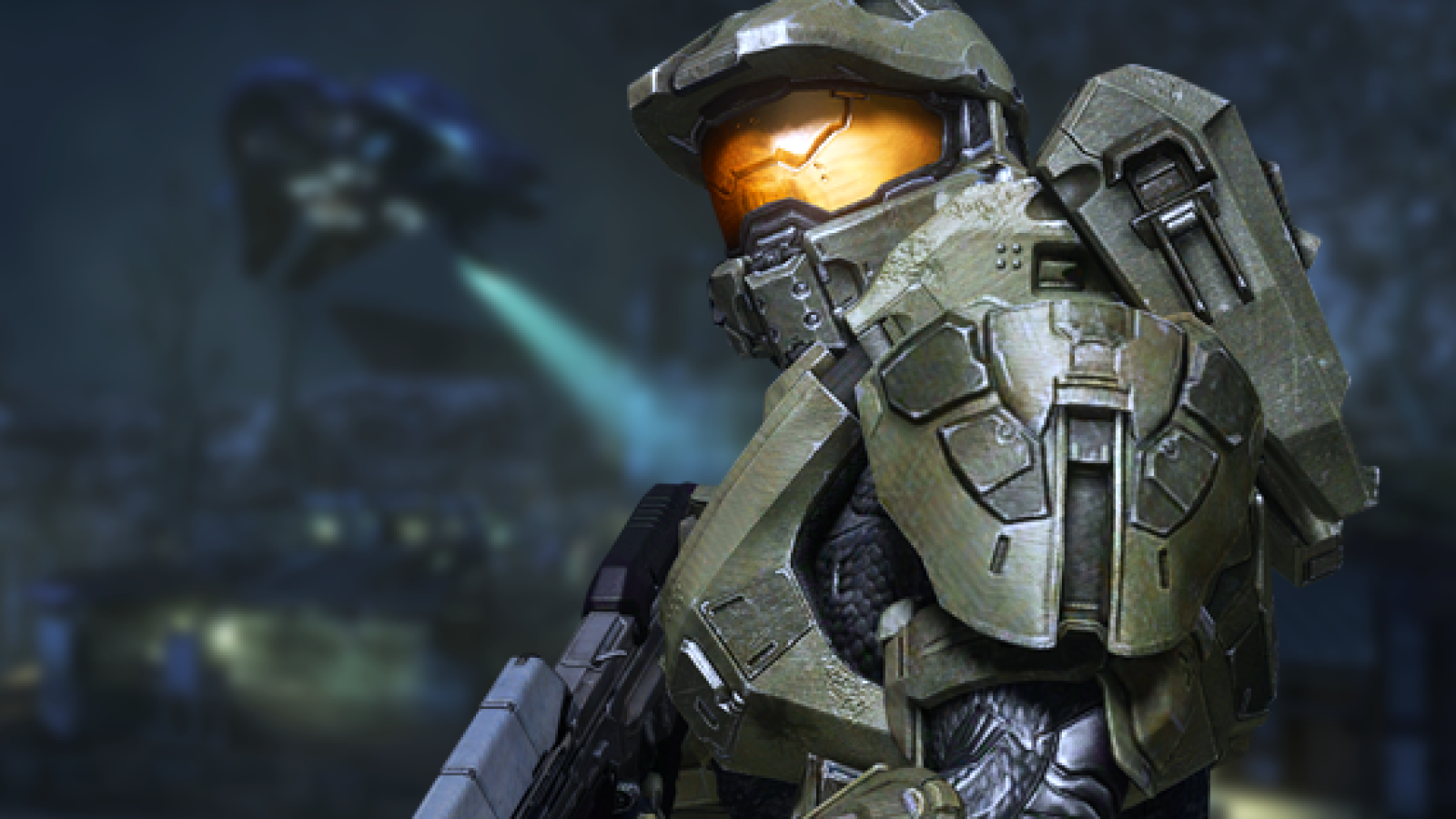
En ny, gratis uppdatering kallad Cartographer's Gift släpps inom kort till Halo 5: Guardians, där största nyheten är det nya och kraftigt förbättrade Forge-läget. Men det finns även andra nyheter, inte minst avancerade kontrollinställningar.
Detta avslöjasdes på Halo Waypoint, och tack vare detta kommer du kunna ändra accelerationen i analogspakarna till samma som i betan för snart ett år sedan, justera handkontrollens döda zoner, med mera.
Här nedan hittar du listan över de nya inställningarna du inom kort kommer kunna börja pyssla med för att ytterligare skräddarsy just din Halo-upplevelse:
Look Acceleration adjusts the time it takes to hit max look speed when you peg (apply 100% input in any direction) the look stick. The higher the setting, the quicker you will reach top speed, and the lower the setting, the longer it takes to reach top speed.
Currently, this value defaults to 3. For Halo 5's launch, we made the Look Acceleration a tad faster than it has been in past games and the Halo 5 Multiplayer Beta. This was done in part to help you make large aim corrections a bit faster (for example, if someone is attacking you from behind it allows you to more quickly do a 180). If you would like the Look Acceleration to match the Multiplayer Beta, use a setting of 2 here.
The Inner Dead Zone refers to a small region around the analog stick's center position where we disregard input. Inner Dead Zone is used to prevent drift (camera movement when you aren't applying any input to the look stick). This is caused because the analog sticks do not always return perfectly to center for a variety of reasons (manufacturing tolerances, wear and tear on the controller, etc). Note that the default we use here aligns with the platform recommended value and is what past Halo games have also used.
Recommended tuning process: Try turning the Inner Dead Zone down to 0% and test if you run into cases where after releasing the look stick, the camera continues drifting. If you do get drift, increase the inner dead zone setting a bit and try again. Ideally, you want as small of a deadzone as possible so that you're maximizing as much of the analog stick as possible.
The Outer Dead Zone allows you to adjust the point at which the analog stick registers as hitting 100% input. Outer Dead Zone is used to prevent slow turn (when you are applying 100% input on the look stick but not reaching top look speed). The larger the Outer Dead Zone, the sooner you will hit 100%.
Recommended tuning process: Try turning the Outer Dead Zone down to 0% and test if you run into cases where you can't hit the "pegged state" and encounter slow turn. If you do get slow turn, increase it a bit more and try again. Note that the majority of cases we found where people were encountering slowturn were somewhat hard to discover as the problem tended to be inconsistent and were often happening only when clenching, torqueing, or rotating the analog stick around the edges a tad. So you might need to experiment with this one a tad more before settling on the proper setting.