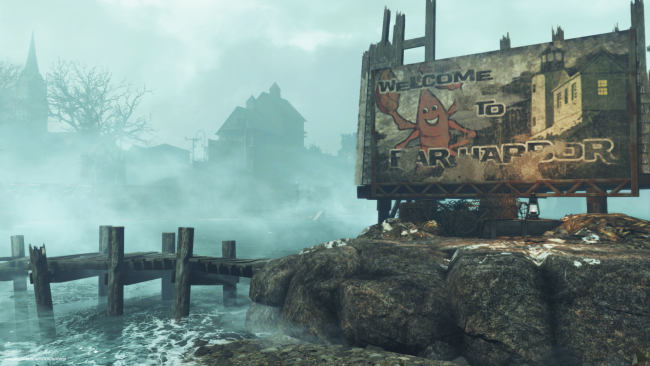
Bethesdas senaste Fallout 4-expansion Far Harbor var en riktig höjdare, om du nu inte velat spela till Playstation 4 dock. Där har det varit en hel del problem, men idag har äntligen en lösning presenterats på Bethesdas hemsida. Det du måste göra är att ta bort expansionen, ladda ner på nytt om ominstallera. Om det inte heller fungerar, ombeds du istället att ta bort hela spelet med expansioner och göra om allt. Här är instruktionerna:
1. Confirm Fallout 4 is not running. Highlight Fallout 4 in your PS4 dashboard, press OPTIONS, and select CLOSE APPLICATION to ensure Fallout 4 is not running minimized.
2. Select RELATED ITEMS. You'll find this under the Fallout 4 icon in the PS4 dashboard.
3. Select MY ADD-ONS.
4. Navigate to the DOWNLOAD ARROW next to Far Harbor and select it.
5. You should see a notice that Far Harbor has been Added to Downloads.
6. Wait for the downloadable content to finish downloading and installing before starting Fallout 4.