
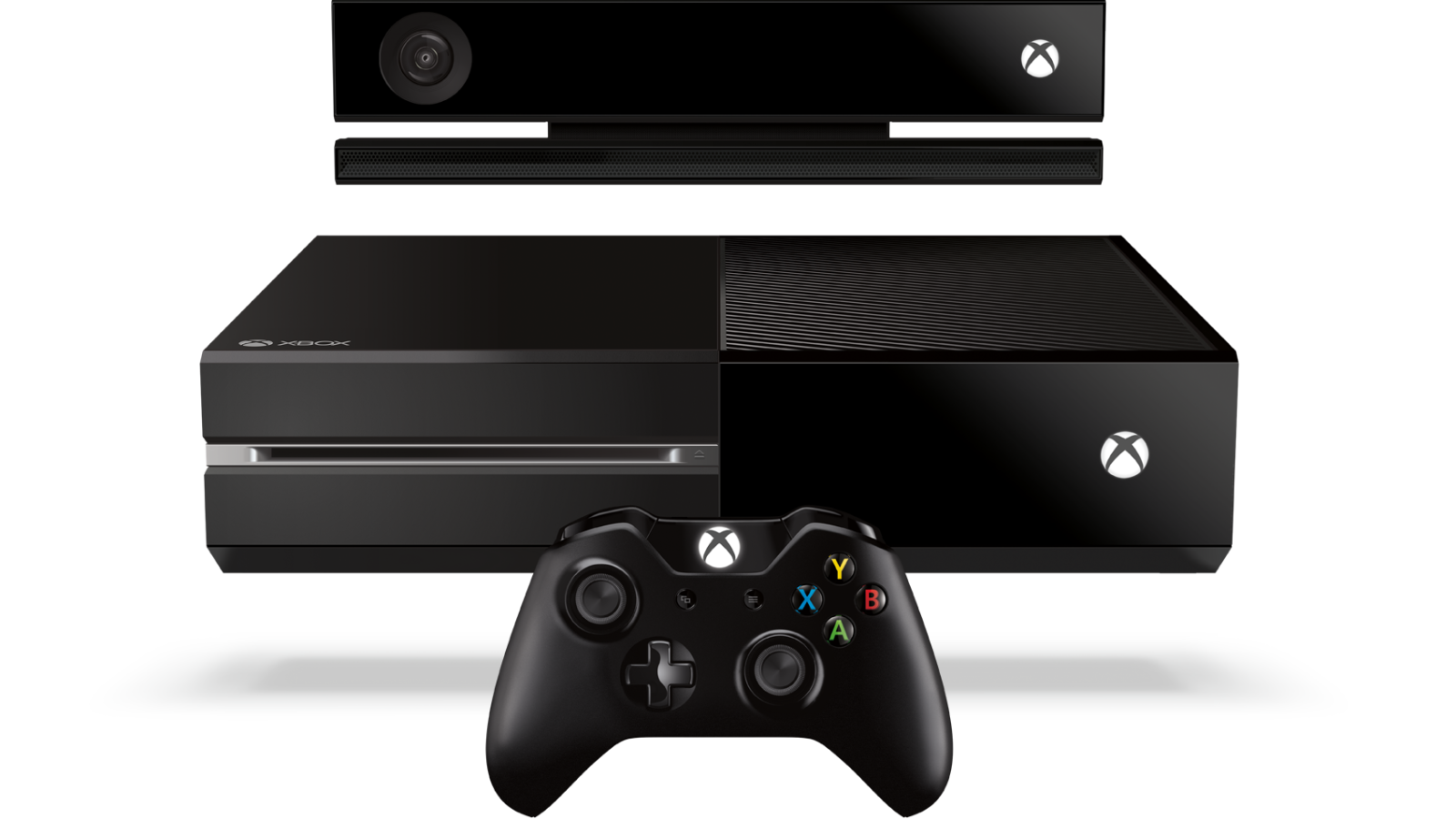
Dagens uppdateringar för Xbox One och Xbox App för med sig stora förändringar och förbättringar. Du kommer bland annat nu att kunna köpa Xbox 360-titlar via Xbox One, uppdatera din Elite-kontroll och bjuda in hela 16 personer till din twitch-streamade party-chat. Nyheterna hittar du nedan.
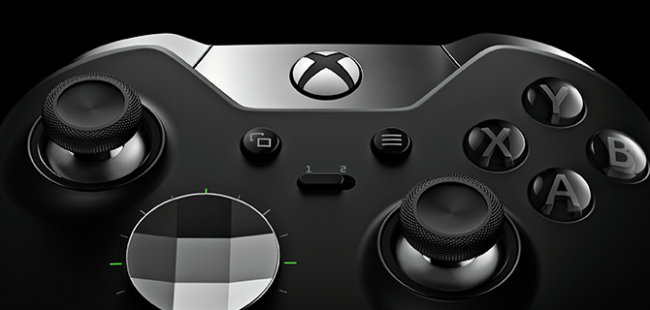
- Xbox Elite Wireless Controller improved thumbstick precision with firmware update: We heard from fans that you wanted to see improvements to the behavior of the thumbsticks on the Xbox Elite Wireless Controller, particularly when you are moving the thumbsticks diagonally. Based on this feedback, we've created a new method to calculate the position of the thumbsticks consistently, enabling thumbstick response that is more in line with what you are expecting. This method measures and uses the distance of the thumbstick position relative to the center focus point of the thumbstick base, instead of the standard method, which calculates the measurement using a two-dimensional plane. With the latest firmware update, you can expect increased accuracy of the thumbsticks on your Xbox Elite Wireless Controller for even greater control.
- Xbox Accessories app: The Xbox Accessories app on Windows 10 now includes a page displaying the current firmware version, battery status, and other details about the controller. This detailed information about the controller is already available on the app on Xbox One.
- Include Party Chat in Twitch broadcasts: A top voted-for feature on Xbox Feedback and released in Preview, you can now broadcast Party Chat when using the Twitch app. If you are broadcasting from your console and in a party, you can invite other people to include their chat audio in your broadcast by enabling "Broadcast party chat" in the Twitch app settings. As mentioned in Preview, if a member of your party declines, they'll still be able to chat in the party; they just won't be heard in the broadcast. Additionally, as the party leader, you have the option to mute a party member's chat audio, even if they opted-in. You can also include party members on Windows 10 PCs in your Twitch broadcast.
Källa: Major Nelson