
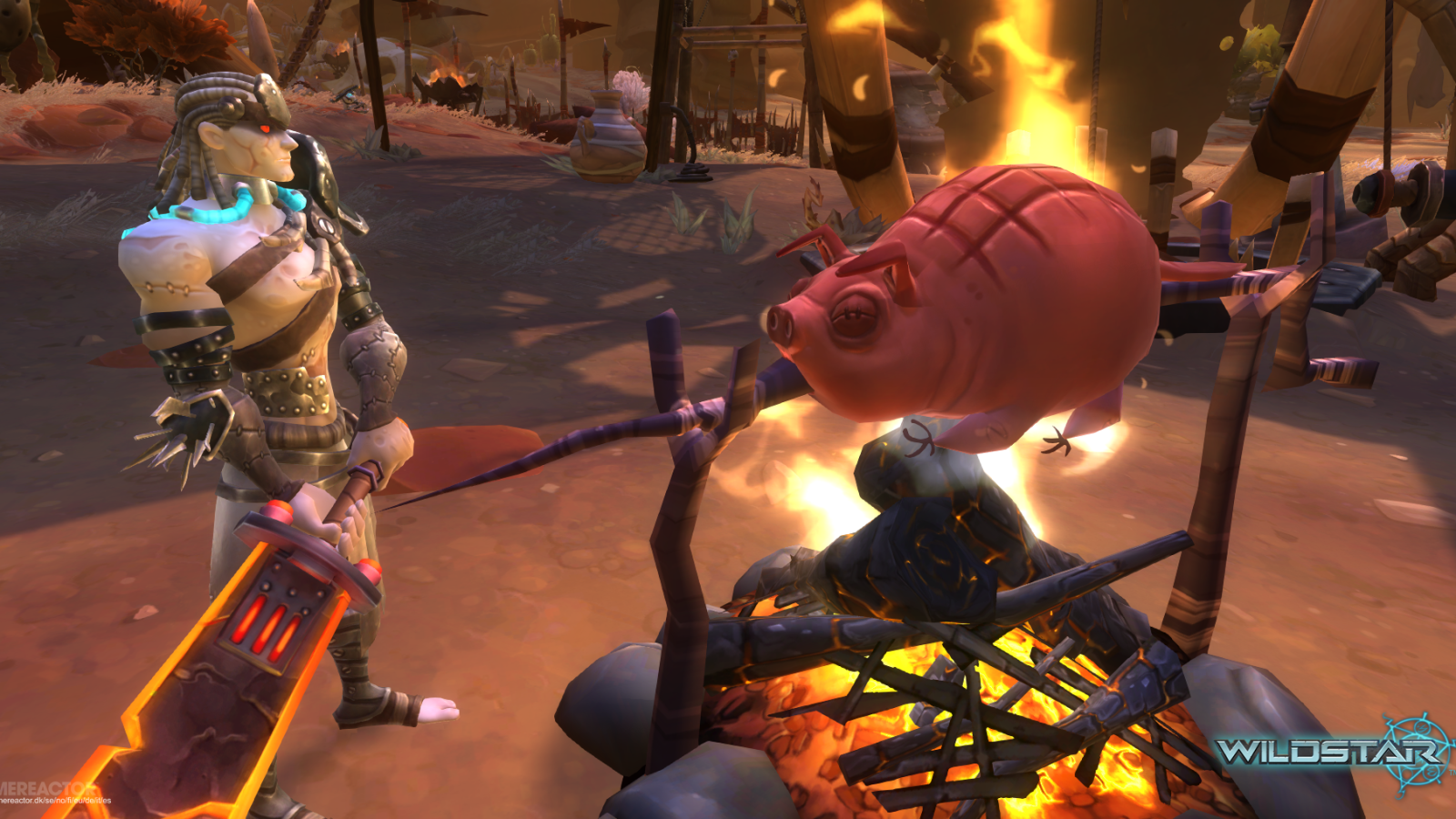
Carbine Studios testkör återigen sitt kommande onlinerollspel Wildstar och ger i samband med det dig möjlighet att vara med. Därför delar vi ut ytterligare ett gäng betanycklar, givetvis helt gratis.
Klicka här för att få en nyckel och följ sedan instruktionerna här nedan för att ladda hem spelklienten.
Creating a NCSOFT Account
If you already have an existing NC Account, you can safely skip these first two steps.
1. Visit the NCSOFT account creation website and click the "Create NC Account" button.
https://secure.ncsoft.com/cgi-bin/plaync_login.pl
2. Follow the link in the email you receive to verify your email
address successfully.
Redeeming your personal Beta Key
1. Log into your account using the NCSOFT account website.
https://secure.ncsoft.com/cgi-bin/plaync_login.pl
2. Click "APPLY A CODE" on the red banner near the top of the page.
3. Paste in your personal serial key from our email and click Apply.
4. If you receive a success message, you're good to go! If not
double-check the serial keys correctly entered.
5. Download the client by clicking "Manage" link under WildStar Beta in your "My Games" list
Betan öppnar på fredag och varar hela helgen. NCSoft hälsar dessutom att de höjt leveltaket till 25 den här gången, så det bör finnas en hel del nytt att kika på.